Logging In
Welcome to this brief tutorial demonstrating how to log in to the Carteret Writers’ website.
Where to Find the Log In Button
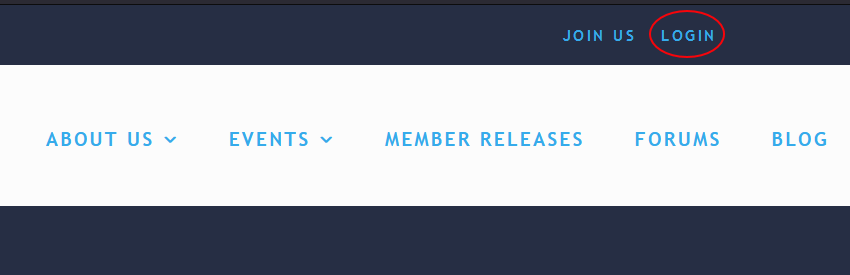
In the upper right corner of every page on the Carteret Writers website will be a LOG IN button. See very meta screenshot.
If the button reads LOG OUT, congratulations, you are already logged in.
The Log In Screen
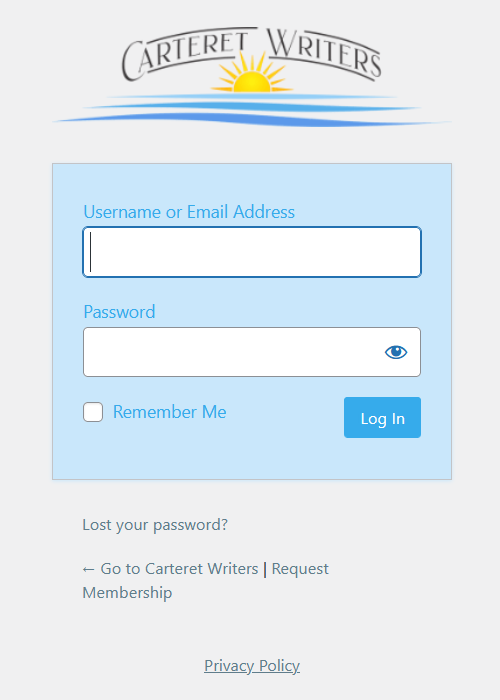
Clicking on the LOG IN button will take you to the LOG IN screen.
Enter Credentials
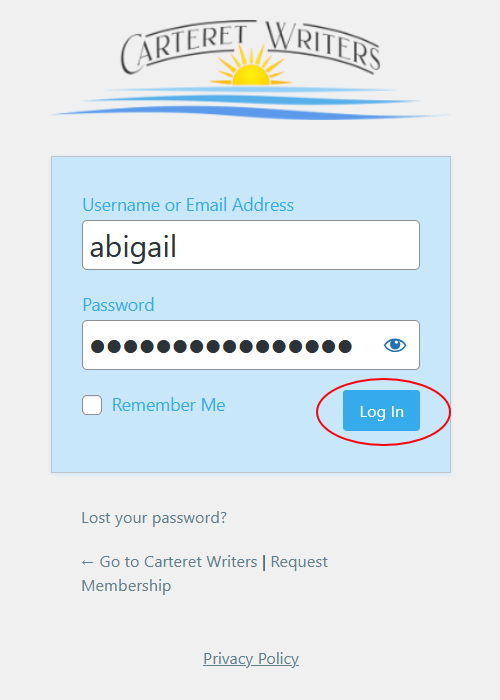
Enter your username and password, and click on the LOG IN button.
You may be prompted a second time for your credentials. This is a bug currently being worked out. For now, just enter the credentials a second time.
If you aren’t sure what your password is, click “Lost Your Password” beneath the LOG IN button. You’ll receive a reset email in your inbox.
If you aren’t sure what your username is, email support@carteretwriters. We’ll confirm your username and make sure we have your preferred email.
Your Profile
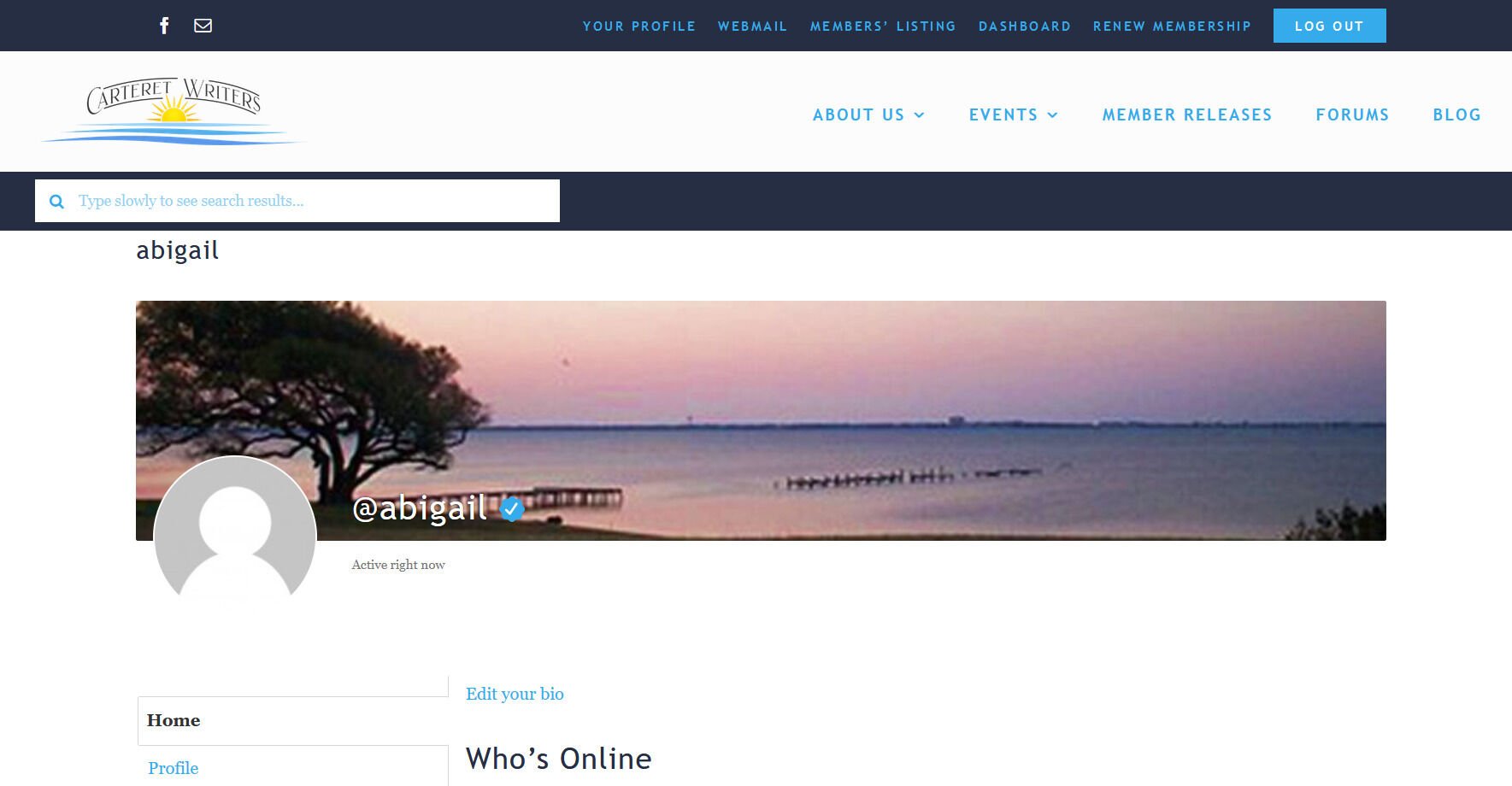
Having successfully logged in, you will land on your profile page.
From here explore and have fun.
If you break something or run into problems, email support@carteretwriters.org. We’ll get it sorted as quickly as a volunteer labor pool with full-time jobs can manage.